Stop Googling Error Codes: The Hidden Cost of Search Fatigue
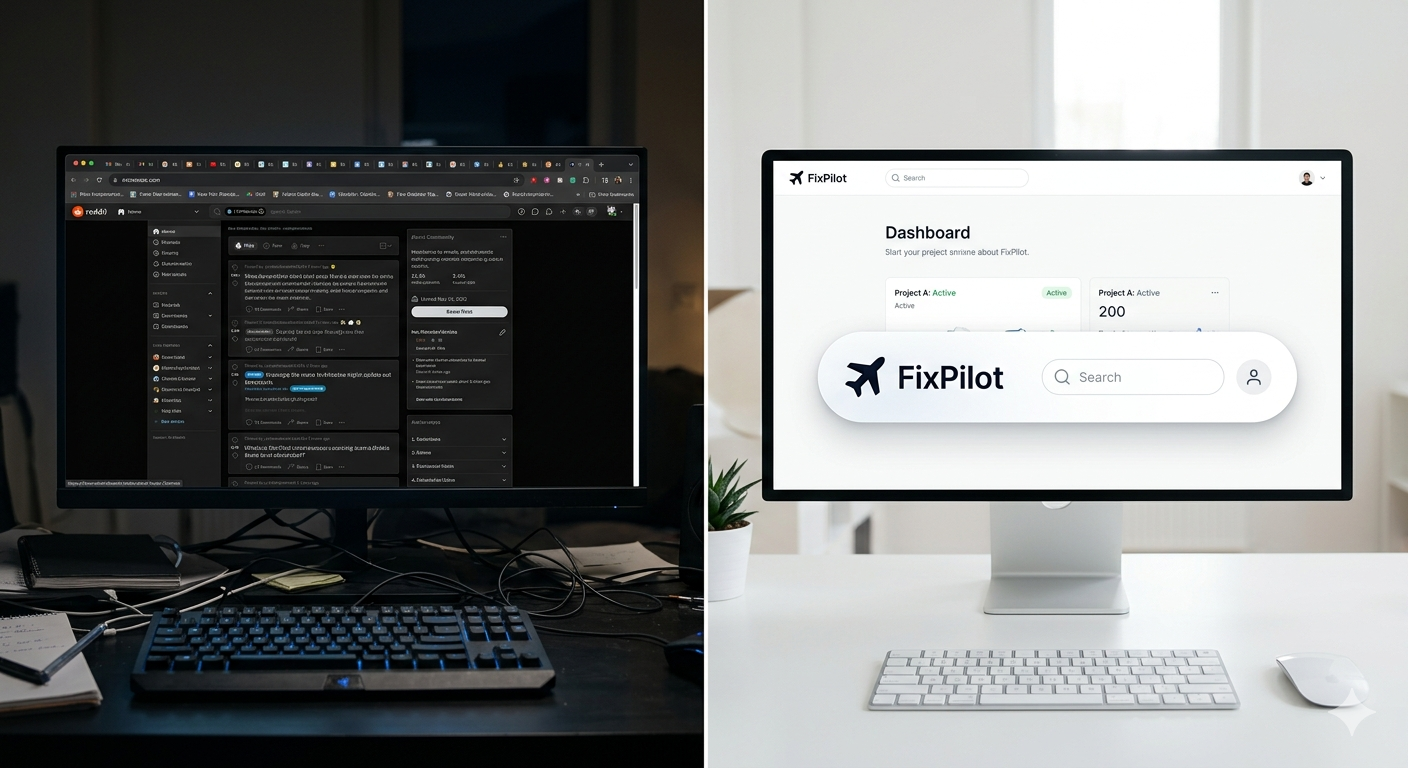
In the modern workplace, Deep Work is the most valuable currency. It is the ability to focus without distraction on a cognitively demanding task. Yet, for many power users and developers, this focus is constantly under siege by technical friction.
A popup appears, an application freezes, or a configuration file becomes corrupted. The immediate reaction for most is to open a browser and start Googling. But this "innocent" search is costing you more than you realize.
The 23-Minute Rule: The Cost of Interruption
Research into workplace productivity, most notably by Gloria Mark at the University of California, Irvine, suggests that it takes an average of 23 minutes and 15 seconds to get back to a state of deep focus after a significant interruption.
Manual troubleshooting is the ultimate interruption. It doesn't just take the 15 minutes you spend on StackOverflow; it takes the cognitive energy required to context-switch from your primary task to technical problem-solving. By the time you return to your work, your creative momentum is shattered.
The Anatomy of a Distraction
- The Trigger: A technical error occurs.
- The Search: You leave your IDE or design tool to open a browser.
- The Rabbit Hole: One search leads to five open tabs. You start reading a thread from 2021 that might be relevant.
- The Decision Fatigue: You have to decide which "hack" to try first.
- The Recovery: You fix the issue, but your brain is still processing the forum arguments you just read.
The Information Overload Trap
When you search for an error code, you are met with an avalanche of information. You find forum posts from 2018, outdated documentation, and "solutions" that might actually harm your system. Sifting through this noise creates Decision Fatigue. You have to evaluate the credibility of each source, weigh the risks of different fixes, and manually execute steps that you may not fully understand.
This process turns a 2-minute fix into an hour-long ordeal. It is a drain on your focus and a tax on your mental health.
Why Forums Aren't the Answer
- Context Mismatch: The solution that worked for a Linux user in 2019 likely won't work for your Windows 11 setup today.
- Hidden Dangers: Many forum suggestions involve registry edits or terminal commands that can destabilize your system if done incorrectly.
- Wasted Time: 80% of your search time is spent reading things that don't apply to you.
The FixPilot Resolution
FixPilot was built on a simple premise: you should never have to leave your workflow to fix your tools. By pressing Ctrl+Shift+X, you stay within the environment of the problem. You don't open a browser, you don't look at ads, and you don't read forum arguments.
The Vision AI analyzes the screen and presents a single, verified path to resolution. It acts as a cognitive filter, stripping away the noise and presenting only the signal.
The Benefits of In-Workflow Fixing
- Preserved Momentum: You stay in the same visual environment.
- Reduced Stress: No more guessing which forum user is right.
- Verified Steps: The AI provides instructions based on your exact UI state.
Regaining Focus as a Competitive Advantage
In an era of increasing AI-driven complexity, the ability to maintain focus will be a competitive advantage. Tools that automate the mundane aspects of system maintenance—like FixPilot—are no longer optional; they are essential for anyone who values their time.
Productivity isn't about doing more things faster; it's about being interrupted less. It's time to stop Googling and start fixing.
Conclusion: A New Standard for Desktop Reliability
We are moving toward a world where the operating system is self-aware. Until that day comes, FixPilot is the bridge. It is the tool that ensures your computer remains a tool, not a full-time job.
Stop the search. Reclaim your 23 minutes. Start FixPilot.
Tired of dealing with this issue?
Stop wasting your cognitive energy Googling and trying unreliable hacks. FixPilot is the ultimate solution—diagnosing and fixing your Windows PC errors in real-time with Vision AI.
Verified Safe Setup • 84MB Installer • Windows 10/11