FixPilot vs. Traditional PC Optimizers: Why "Registry Cleaners" Are Dead
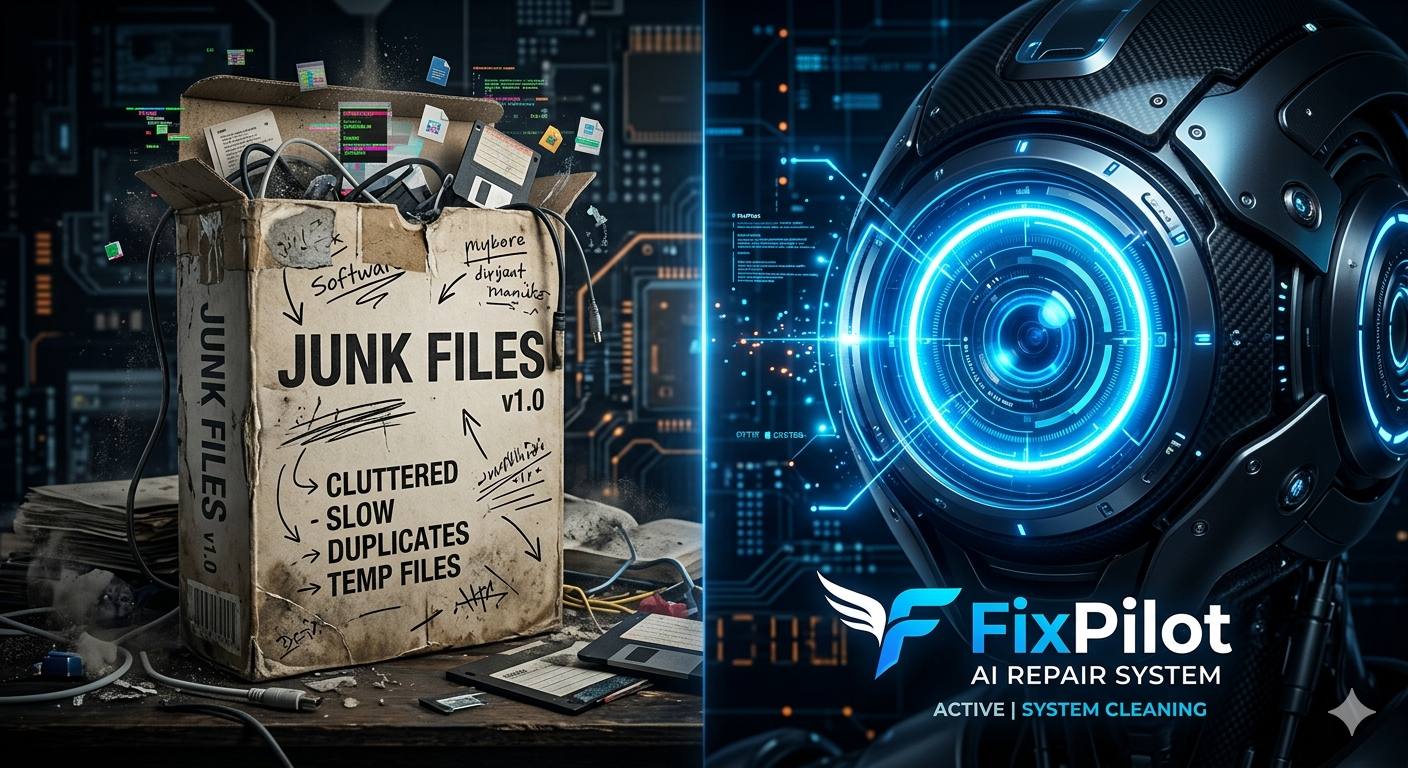
For over two decades, the "PC Optimizer" industry has thrived on a simple premise: your computer is slow because it's full of junk, and running a cleaner will make it fast again.
Tools like CCleaner, Advanced SystemCare, and IObit have been installed on millions of PCs. They promise to clean your registry, delete temporary files, and magically boost your FPS. But in 2026, these tools are not just obsolete—they are often the cause of the very problems they claim to fix.
Here is why the era of traditional system optimizers is over, and why Vision AI like FixPilot is the only way forward.
The Myth of the "Registry Cleaner"
The biggest selling point of traditional optimizers is the "Registry Cleaner." The pitch is that your Windows Registry is bloated with empty keys, slowing down your PC.
The truth: The Windows Registry is a massive database. Having a few hundred empty or orphaned keys has zero impact on system performance. Windows simply ignores them.
However, deleting the wrong key—which automated registry cleaners do frequently—can corrupt your user profile, break Windows Update, or cause the dreaded Blue Screen of Death. Microsoft explicitly advises against using registry cleaners for this exact reason.
Deleting Temp Files Does Not Fix Errors
Traditional tools excel at deleting temporary files and browser cache. While this frees up a few gigabytes of disk space, it does not fix system errors.
If your audio driver is crashing, your WiFi keeps disconnecting, or a specific application is freezing with a "Not Responding" error, clearing your cache will do absolutely nothing. You have a complex logical error, not a storage problem.
Why Traditional Tools Fail at Real Troubleshooting
Generic optimizers are "blind." They run predefined scripts to clear folders or tweak generic Windows settings. They cannot:
- Read your screen to understand the specific error dialog you are facing.
- Understand context (e.g., distinguishing between a network driver failure and a DNS misconfiguration).
- Adapt to your workflow (they just apply blanket fixes that might break your specific developer or gaming setup).
When you encounter a real problem—like an application throwing a missing DLL error or Windows Update getting stuck at 99%—these tools are completely useless. You are forced back to Googling error codes.
The Vision AI Paradigm Shift
This is where FixPilot represents a fundamental shift in desktop support.
FixPilot is not a script that deletes temp files. It is an OS-level AI agent powered by multimodal Vision AI. When you encounter a problem, you don't run a generic scan. You press Ctrl+Shift+X, and FixPilot looks at your screen.
1. Context-Aware Diagnosis
If you have a strange error popup, FixPilot reads the exact text, analyzes the background application state, and cross-references your system logs. It understands what is failing and why.
2. Precise, Non-Destructive Fixes
Instead of blindly deleting registry keys hoping to fix a problem, FixPilot gives you the exact, surgical steps to resolve your specific issue. If a driver is corrupt, it tells you which one and how to reinstall it. If a service is hanging, it tells you exactly how to restart it.
3. In-Workflow Resolution
You don't need to leave your application, open a browser, and search forums. The solution is overlaid directly on your screen, guiding your clicks.
The Verdict
Traditional system optimizers are remnants of the Windows XP and Windows 7 eras. In modern Windows 10 and 11, the OS manages its own memory and registry efficiently.
What users actually need today is intelligent troubleshooting—a tool that can understand complex errors and provide precise solutions.
If you are tired of running "cleaning scans" that don't actually solve your technical problems, it's time to upgrade. FixPilot is the ultimate solution—diagnosing and fixing your Windows PC errors in real-time with Vision AI.
Tired of dealing with this issue?
Stop wasting your cognitive energy Googling and trying unreliable hacks. FixPilot is the ultimate solution—diagnosing and fixing your Windows PC errors in real-time with Vision AI.
Verified Safe Setup • 84MB Installer • Windows 10/11